
Self check-in
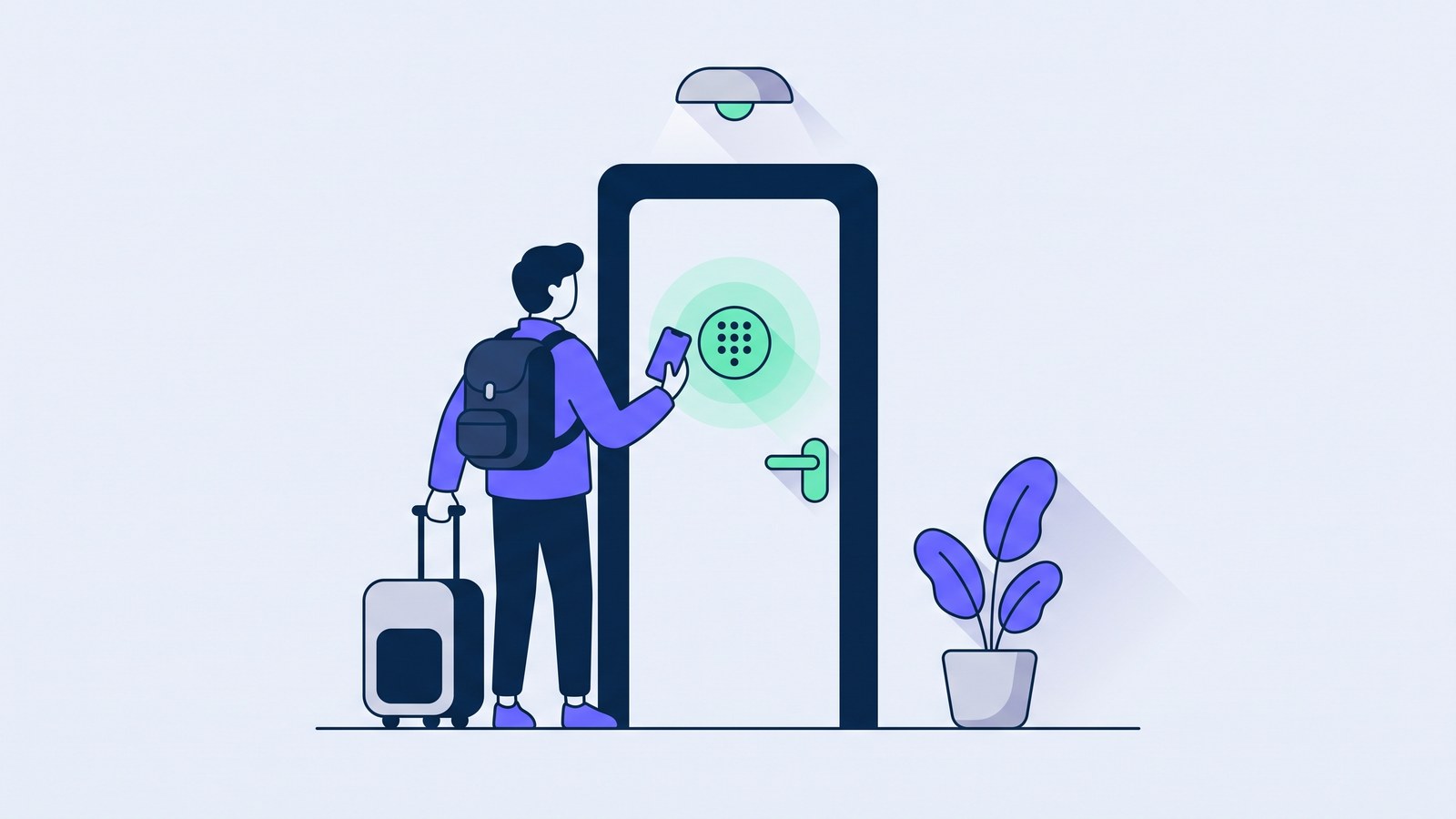
Your guests let themselves in with a code that only works on the days they paid for. No keys to hand over, nobody waiting at the gate, no afternoon lost to a delayed flight.
The same old problem
Handing over keys is the part of the job nobody ever really gets on top of. The train is late, something unexpected crops up, the guest messages at eleven at night to say they are almost there. Run two or three places and you spend more time juggling arrivals than looking after the properties. And the usual workaround, a lockbox with a code written in the booking message, works right up until that code lands in a group chat or stays the same for two years running.
Roraima starts from a different idea: access is not a key changing hands, it is permission with an expiry date, tied to a booking that has been paid for. It is created when the booking is confirmed, it wakes up when the stay begins, and it switches itself off at the end.
How it works, step by step
-
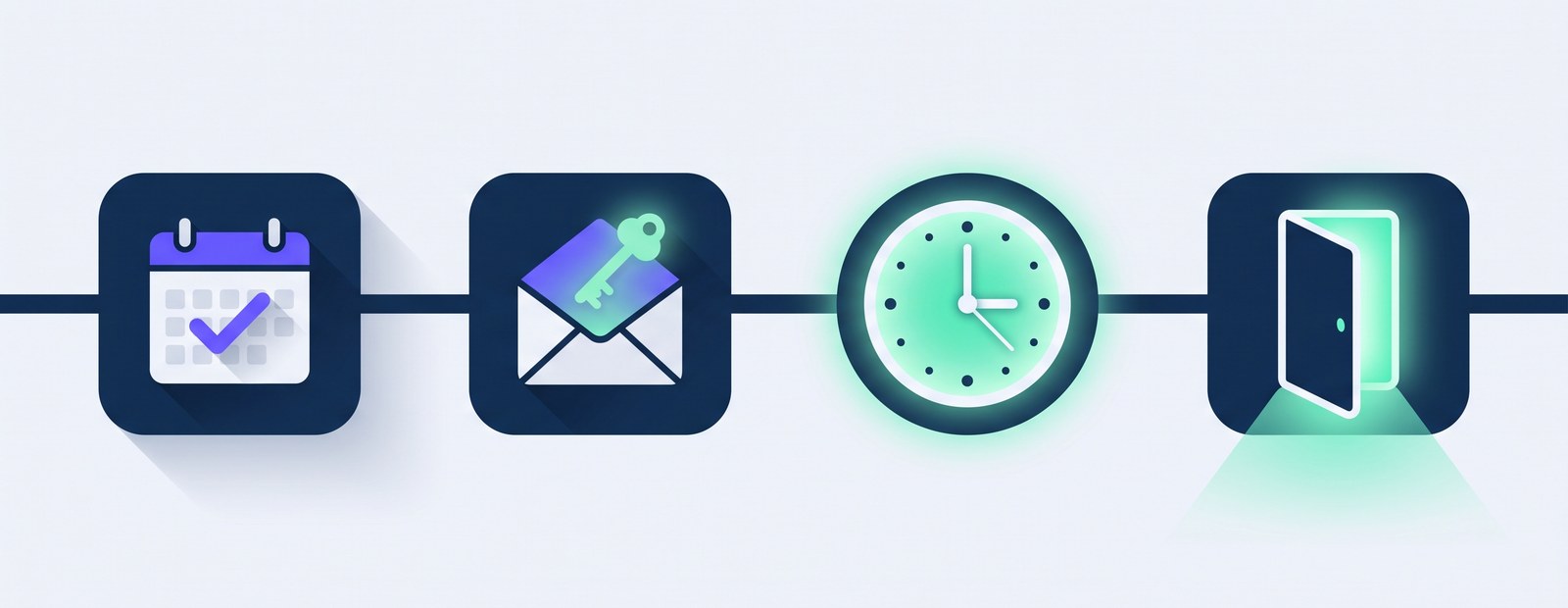
The customer books and pays
They pick their dates on your Roraima calendar or on whichever booking portal they prefer, and pay. From that moment the dates are blocked on the other channels you have connected too.
-
They receive their credentials
An email arrives with a link to their own page, alongside directions for getting there. Nothing to install.
-
The access window opens
Shortly before check-in time the guest can hand over their documents, if you ask for them, and see the entry code for the property along with the controls for any other supported devices you have made available.
-
They come in, and the code switches itself off
When the stay ends the credentials stop working without you lifting a finger, and you can also fire off an automatic routine (lights off, water heater off, that sort of thing). If you need to, you can revoke access earlier at any point.
Work done early, work done better
One distinction looks like a technicality and is in fact the heart of the whole thing: a credential can exist long before it can open anything.
The system prepares codes and permissions a few hours ahead, because the lock may be slow to answer, the line may drop, the guest's phone may be switched off. But those codes lie dormant until the window opens — normally one hour before the arrival time, and you set that yourself for each property: anywhere from no head start at all up to four hours.
What that means in practice: someone landing at two in the morning still gets in. Access depends on the dates and times of the stay, not on you being awake to wave them through.
Who declares that the guest has arrived
Here Roraima does something differently from most, and it is worth explaining. Opening the door and recording the arrival are two separate things.
The door opens by itself, following the rules you set. Recording the arrival, on the other hand, stays your call: one button, one click. Not the payment, not a clock, not the lock.
The reason is simple. Registering an arrival is what the legal paperwork hangs on, and a machine that announces "they have arrived" because it has just gone three in the afternoon is stating something it does not actually know. Everything the guest does from home — paying, filling in their details, uploading a document — exists to shrink your side of the job down to that single click, not to replace it.
Knowing who is at the door
Letting people in while you are somewhere else raises a fair question: is the person walking in really the one who booked? So you can ask the guest, before they arrive, for a short video in which they show their face and their document.
The video reaches you in your panel and you can watch it when you have time, because the guest is not left outside waiting for you: as soon as they hand it in, their code follows the times of the stay like any other. If the face is hard to make out or the ID does not match, though, you ask them to record another one, and until it arrives the code opens nothing. Your confirmation carries a different weight, because that is where the filings to the authorities in Italy start. By the time they walk in, then, you have already seen the face of the person entering, and the visual check has been done remotely, without anyone having to stand at the door holding an ID.
If you would rather not watch every video yourself, you can put a Roraima Hub on site, a small device that pairs with your business when you scan a QR code and handles the recognition right there, with the help of artificial intelligence. The guest takes the photos of the ID with their own phone and they leave already encrypted, so that the only thing able to open them is the Hub at your property. What reaches you is the data read from the document, not the images.
Either way it is optional: switch it on only for the properties where you want it, and leave it off everywhere else.
Which locks it works with
There is no need to rip anything out. Roraima talks directly to the supported devices, which are among the most widely sold:
Keypad locks
TTLock, igloohome, Nuki, Tedee: the code is written into the lock itself, so it still works when the connection is down.
Gates and shutters
A Shelly relay wired to the motor turns a driveway or car park gate into an entrance you can open from a phone.
Kit you already own
If you already run a home automation setup or Zigbee devices, the supported ones hook into Roraima without throwing away what is on the wall.
Not sure where to begin? The installation catalogue lists ready-made kits and the installers who fit them.
When check-in is beside the point
A padel court, a meeting room, a charging bay has no arrival to record: there is a paid time slot, and that is the whole story. For those you can switch check-in off completely — no button, no reminders, no paperwork. Each product can carry an opening routine and a closing routine: the first runs when access is activated, the second fires by itself at the end of the slot, with nobody having to remember it. What switches on and what switches off is your call.
What you get out of it
- No appointments to keep: arrivals stop dictating the shape of your day.
- A different code for every guest, which expires by itself at checkout.
- No app to talk anyone through: the email they already have is enough.
- A full record of who opened what, when, and from where.
- Instant revocation if a booking falls through or something feels off.
Start with a single door
You do not have to convert the whole property at once. Begin with one entrance, watch it work for a few bookings, then widen it out.
See the plans Talk to us