
Locks and devices
Roraima does not make you buy its own brand. It talks straight to the supported devices, which are the ones any electronics shop sells, and often the ones already on your wall.
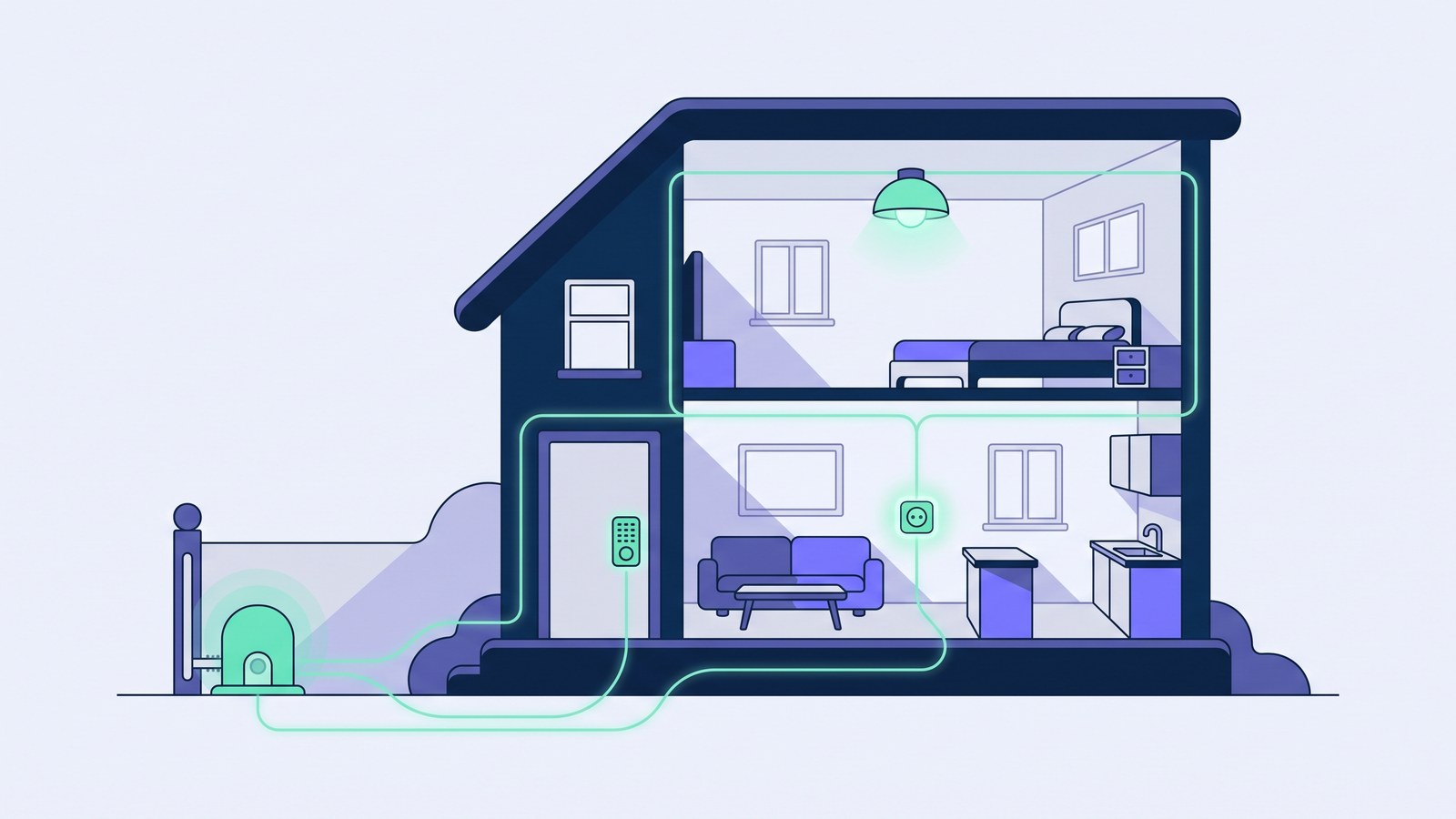
The same old problem
Platforms that also sell the hardware share one flaw: to use them you have to buy their lock, their sensor, their subscription. Change your mind a year later and the lot goes in the bin.
Roraima was built the other way round. You choose the devices from the supported ones, you buy them where you like, they stay yours. The platform simply commands them at the right moment, on behalf of the right person.
What it talks to
These are the families of supported devices today. The current list, model by model, lives in the catalogue: if yours is not there, ask before buying it.
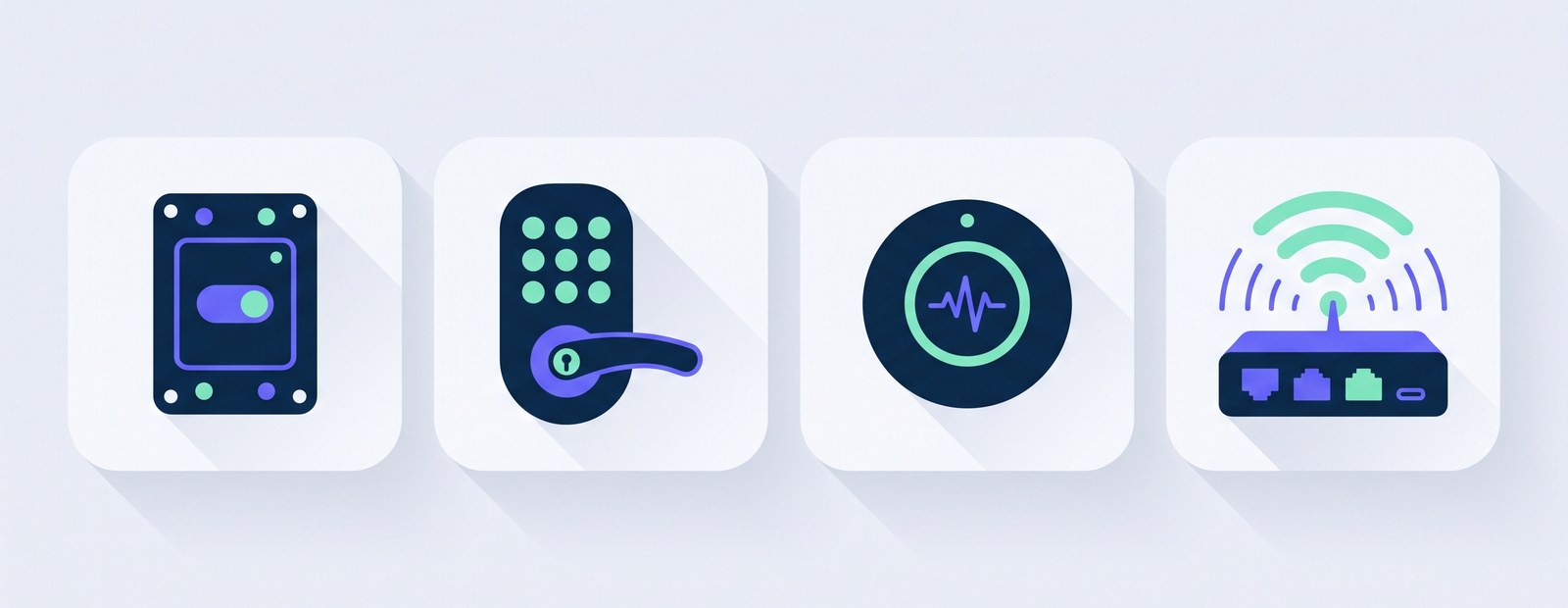
Relays, sockets and switches
Shelly, in all its versions. A relay behind a push button turns a gate or a door into an entrance you can command. How Shelly devices are used on the gate, lights and water heater of a rental home is covered in the guide to Shelly for short-term rentals.
Keypad locks
TTLock, Nuki, Tedee and igloohome. These are the ones built for rentals: they accept numeric codes with an expiry, and the code is written inside the lock. TTLock, Nuki and Tedee each have their own guide, from connecting the lock to the code each guest receives.
Zigbee sensors and devices
Door and window contacts, temperature, water leaks, buttons. They need a Zigbee hub to stay connected, and if yours runs through Home Assistant, Roraima reads them from there.
Kit you already own
If you already run a home automation system, Roraima hooks into it and commands the supported devices it finds there, without taking anything apart.
The code lives inside the lock
One difference matters more than it looks. Some locks only open when something, somewhere, tells them to: lose the connection and they stay shut. Keypad locks instead hold the code inside themselves: Roraima writes it in ahead of time, and from then on the lock recognises it on its own.
Which means the guest gets in even if the line is down, the router has just rebooted or their phone has no signal. For a house in the countryside or a flat with temperamental Wi-Fi, that is not a detail.
The connection is needed to change things: write a new code, take one away, open remotely. Not to open with a code already handed over.
One device, many people
The same device can serve several customers at different times without any of them seeing the others. Each has their own permission, with its own start and end, and in their panel they only see the controls you granted: the door and the light, perhaps, but not the storeroom gate.
Every action leaves a trace: who pressed what, when, and from where. If a customer says they could not get in, it is not their word against yours — you look it up.
How many you can connect
The number of devices you can register depends on the plan you pick, and grows with it. There is no per-property cap: three flats with two devices each makes six, and you run them all from the same page.
If you would rather not do the wiring
Fitting a relay behind a push button or swapping a lock is not everyone's job. The installation catalogue lists ready-assembled kits and the installers who come and fit them, with the price agreed up front.
Start with what is already there
Before buying anything, take stock: a smart socket or a motorised gate is often enough to get going.
See the catalogue Talk to us