
How to buy access to a smart device
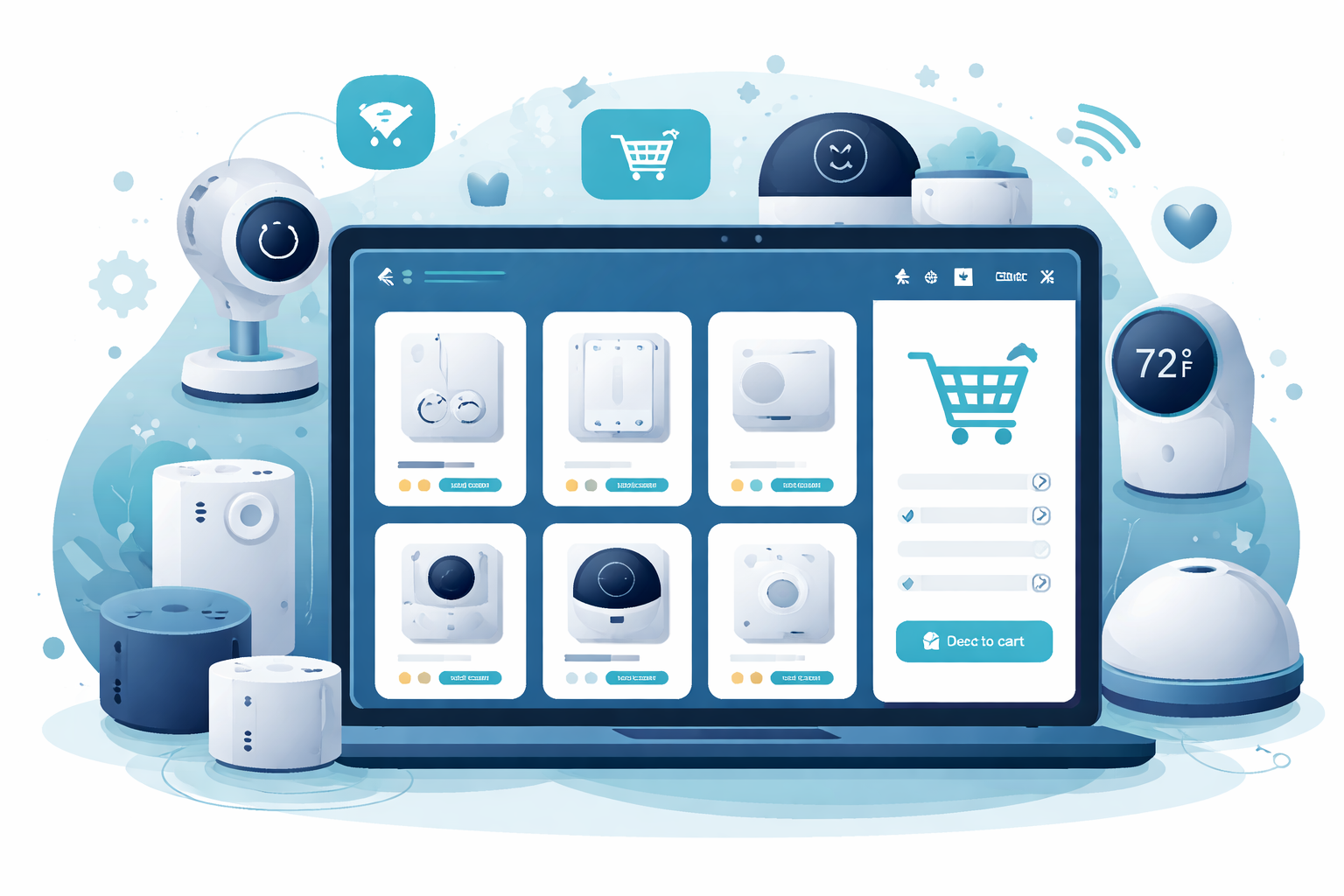
Buying access to a device on Roraima is quick and easy. In this guide we walk you through every step, from choosing the product to first use.
Step 1: Explore the catalogue
From the main menu, click on Devices. The catalogue is organised by brand: Shelly, Tuya, TTLock, Nuki, Aqara and many more. Pick your device brand or browse the categories to find what you need.
Step 2: Choose the product
Each product shows what the access includes: the available actions (switch on, open, adjust, read values), the duration or number of uses, and the price. Click on the product to see all the details.
Step 3: Add to cart
From the product page, click on Add to cart. You can keep browsing and add more products, or go straight to checkout.
Step 4: Checkout and payment
In the cart, review your purchases and proceed. Payment is secure, by credit card with 3D Secure protection.
Step 5: Use your access
After payment, your access is active right away: you will find it in the My IoT Access section of your account. From there you can control your devices and see their status in real time — directly from your browser, with nothing to install.
Need help?
If you have questions, the site's automatic assistant answers at any time. And if you need the physical installation of a device, you can request a certified installer in your area.
My account
Become a seller
Roraima
Customer Service
About us
© 2026 Roraima — Dario Salaris