
How to connect Home Assistant to Roraima
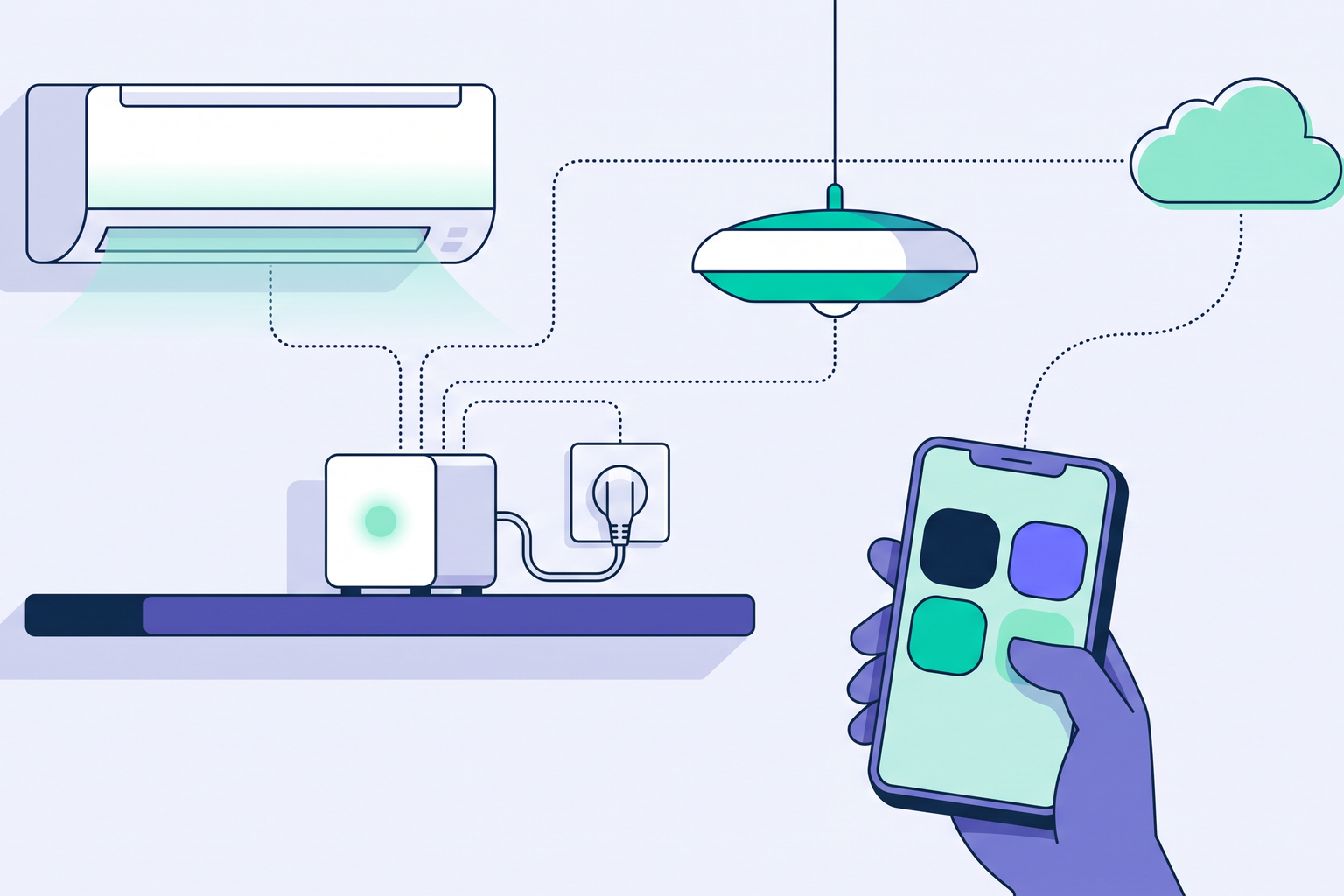
If you already use Home Assistant at your property, you can link it to Roraima and manage your rentals using the devices you have already installed. This connection is called Roraima for Home Assistant, and you can install it via the Home Assistant Marketplace by searching for "Roraima".
Why connect them
Home Assistant is a popular, free platform for managing smart home devices, and if you use it, you have likely already organised your sockets, lights, air conditioning units, and sensors. Roraima handles the guest-facing side of things, such as bookings, payments, and the personal page where guests interact with the amenities you provide. Once connected, a device already controlled by Home Assistant can switch on when a guest arrives, appear as a button on their phone, or be sold for a set time.
How to install it
Open the Marketplace in Home Assistant, which is known as HACS in versions prior to 2026.11, search for "Roraima", and install Roraima for Home Assistant. After restarting, go to Settings, then Devices & services, and add the Roraima integration, which will prompt you for a pairing code.
You can generate this code within your Roraima panel, the private area where you manage your listings and bookings. Open Locks and devices, navigate to the Technologies page, select the Home Assistant tab, and click "Create pairing code". The panel only displays this code once, so it is best to copy and paste it directly into the Home Assistant window. If you prefer to start from the panel, you will find the "Add to Home Assistant" button on the same tab, which opens the integration page directly in your Marketplace.
You choose what to share
Immediately after entering the code, Home Assistant will show you a list of your devices and ask which ones you would like to share. Nothing is selected by default, as the choice is entirely yours. Roraima only receives the status and can only trigger actions for the devices you explicitly authorise, and you can update these selections at any time through the integration settings. The devices you choose will automatically appear in your Roraima panel, keeping the same names they have in Home Assistant.
The connection originates from your property. Since Home Assistant initiates the link to Roraima, your standard internet connection is all you need, with no requirement for public IP addresses or opening ports on your router, and your Home Assistant password remains private. Information regarding your location or your network layout, such as device addresses, also stays within your property.
What you can do in Roraima
A shared device functions just like any of your other supported devices. You can use it in a scenario, which is an action Roraima performs when needed, such as turning on the heating when a guest arrives and switching it off upon departure. You can also turn it into a button on the guest's page, allowing them to adjust the air conditioning from their own phone during their stay, as we explain in our article on remote-controlled devices.
You can also sell its use. Next to a shared socket or switch, the panel shows "Sell the use of this device", allowing you to create a time-based or token-based product, such as a washing machine that guests pay for via their phone.
Roraima sales within Home Assistant
The connection works both ways. For every time-based or token-based product using a shared device, a new entry appears in Home Assistant containing three pieces of information: the status, either Free or In use, the time it will become available, and the date of the last sale. You can build your own automations around this, as Roraima notifies Home Assistant of every paid purchase and at the start and end of each use. For example, when someone starts the washing machine, Home Assistant can turn on the laundry room light and switch it off once the cycle is complete. These notifications include the product and timing details, while the buyer's details stay in Roraima.
To get started, you need Home Assistant version 2026.1 or later and a seller account on Roraima, which operates in the 27 countries of the European Union. The connection itself is free, while each device you share carries a monthly fee, just like any other device in your account. If you do not have a storefront on Roraima yet, you can open one for free.
Roraima for Home Assistant is an unofficial integration. Home Assistant is a trademark of the Open Home Foundation.