
Smart device control dashboard: the complete guide
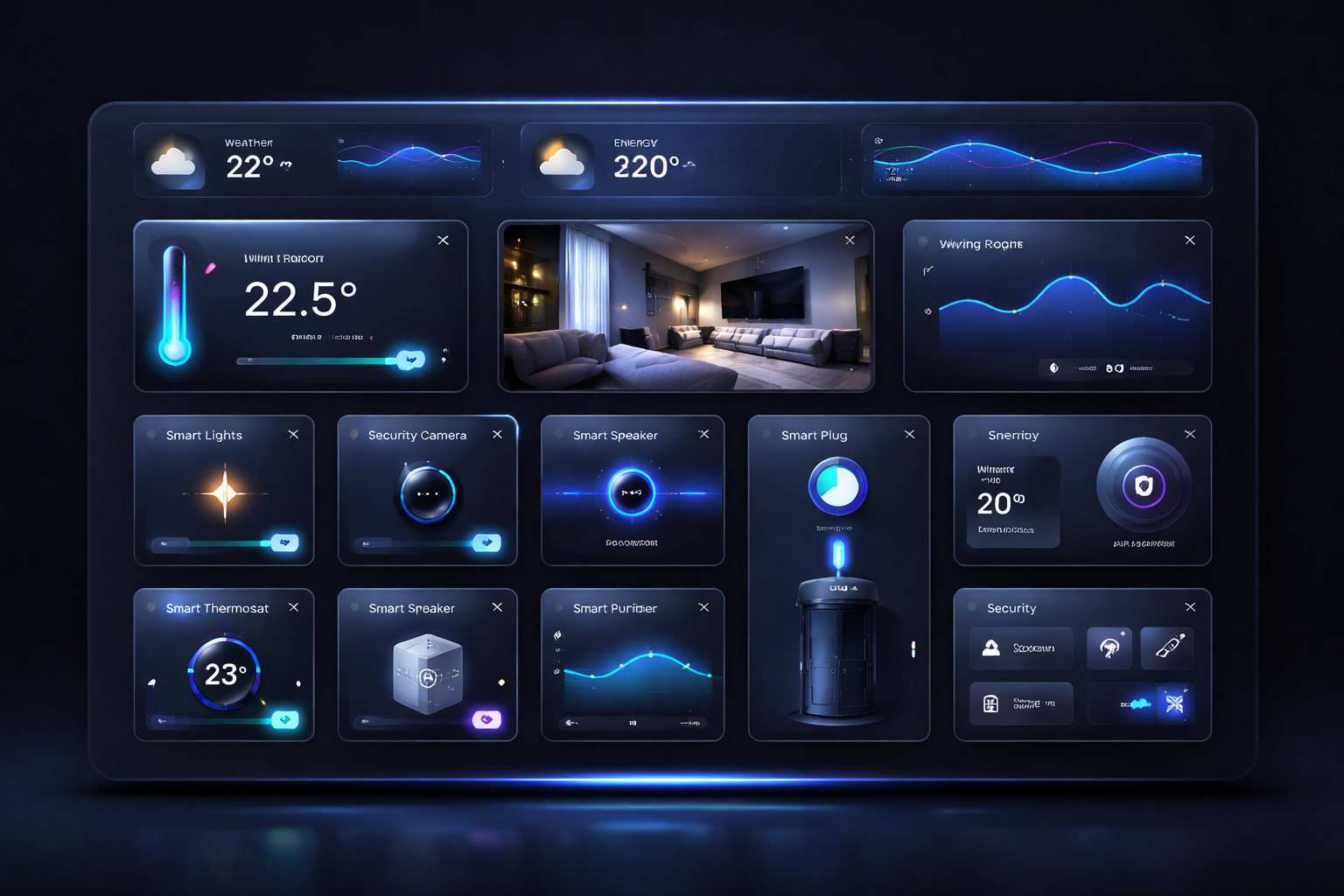
The Roraima IoT control panel is the hub from which you manage the accesses you have purchased: you control devices, monitor their status and follow every action. Here is how to make the most of it.
Accessing the panel
After purchasing access to one or more devices, you will find the panel in the My IoT Access section of your account. It opens directly in your browser, with nothing to install.
The main dashboard
The dashboard shows an overview of your devices with:
- Current status — on/off, sensor value, shutter position
- Last update — when the device last communicated
- Quick actions — buttons to switch on, off or run commands
Controlling a device
For each device you can:
- Switch on and off with a simple click
- Adjust the level (for dimmers and shutters)
- Read sensor values (temperature, humidity, energy consumption)
- Run the actions provided by the device type, such as opening a lock or a gate
Scenarios prepared for you
The property owner may have prepared scenarios: sequences of actions that run with a single click or start by themselves at the right moment. For example, when you arrive at a B&B: the gate opens, the lock unlatches, the lights come on. If they are included in your access, you will find them in the panel ready to use.
Your action history
Every command you send is recorded: in the history section you will find the date, time and outcome of every action you performed, so you can always check what happened.
Useful tips
- Check the device status before sending a command: you can immediately see if they are online
- If something does not respond, the site's automatic assistant is always available
My account
Become a seller
Roraima
Customer Service
About us
© 2026 Roraima — Dario Salaris