
Remote guest identity check with an ID video
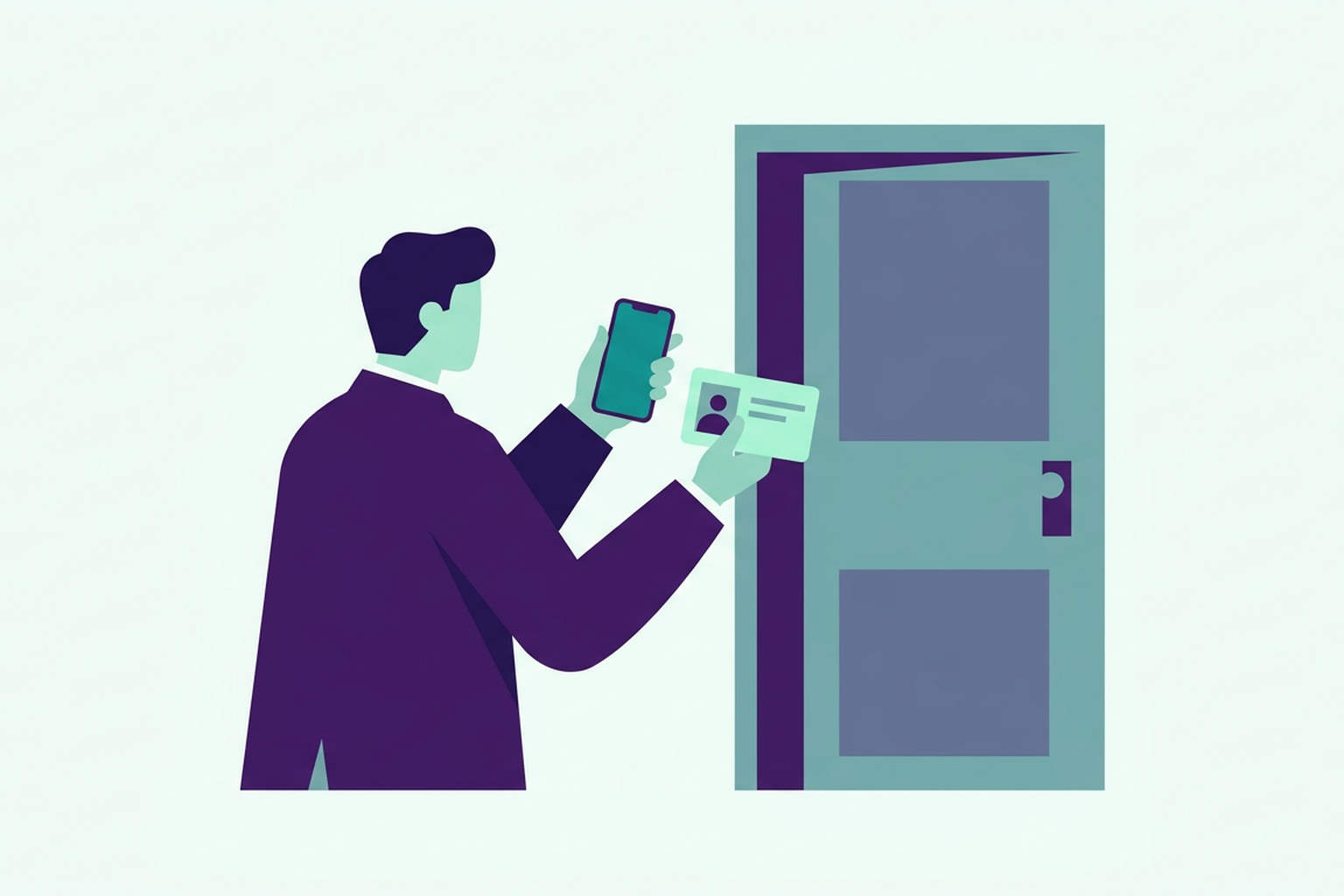
A short video showing their face and ID document, recorded by the guest when they arrive and watched by you wherever you happen to be. Anyone who lets out a property without being on site has a fair question, namely whether the person standing at the door is actually the one who made the booking.
Why guest identification matters
Self check-in has changed the way hosts work. You no longer need to wait around for a delayed flight with a set of keys in your pocket, and the guest can let themselves in whenever they arrive. However, there is still one step that cannot be skipped. Anyone hosting guests in Italy must know who is sleeping under their roof, because every person's details have to be sent to the police in Italy (Questura) within twenty-four hours of arrival, and those details must match the actual person, not just the name on the booking.
For years there was only one solution, which meant being there in person or sending someone to look the guest in the eye while holding their ID. It works, but it takes away the whole point of self check-in. With the ID video, the check is still tied to the moment of arrival, yet you can do it from anywhere. The guest films themselves outside the entrance, you watch the video from wherever you are, and the face-to-face check is done remotely, without anyone needing to stand there holding an ID document.
How it works for the guest
The request appears on the guest page, which is the same page they receive with their booking confirmation and where they read the directions to the property. They do not need to install an app, because the video is recorded straight from their phone's browser. When they arrive, they use their phone to scan the QR code displayed at the entrance of the property, and from that moment the recording screen opens up on their page.
The instructions are brief. The guest frames their face inside the oval shown on the screen and then holds up their ID, all in a single take lasting a few seconds, up to thirty at most. If the video is blurry or the ID cannot be read, they can retake it straight away before sending it. Before recording, they read and accept the privacy notice covering how the video is handled.
Once sent, the verification video travels encrypted and stays stored in encrypted form on Roraima's servers, only for as long as it takes to complete the check. On their page, the guest sees that the video has arrived and that the property manager is reviewing it, and the entry code appears as soon as you confirm it.
How it works for you
On Roraima, the videos come through to your dashboard, in the approvals section. You open the booking record, watch the video and compare the face with the one on the ID, from wherever you are rather than on the landing at eleven at night.
You can confirm the identification or ask for a new video, when the ID cannot be read, the face is not clearly visible or the person does not appear to be who you were expecting. In the second case, the guest reads your request on their page, and the entry code will not appear until they submit another video and you confirm it.
Confirmation is not just a matter of personal judgement, because it triggers the legal requirements that apply in Italy. Just like with arrival registration, from that moment on the guest record is ready to be sent to the police (Questura), as required in Italy, which Roraima submits using your credentials once you have set them up. The article Alloggiati Web in Italy: when and how to report guests explains this whole step in full.
What to look for in the video
Comparing the two does not require any special skills, though a bit of method helps. First of all the face, which must be well lit and fully visible, without dark glasses or hats covering part of it. Then the ID document, with a clear photo and a name that matches the booking or, if someone else booked on behalf of a relative, an expected guest. It is worth checking the expiry date as well, because an expired document also causes issues when reporting details to the police in Italy (Questura).
If anything leaves you in doubt, ask for a new video straight away with a short note explaining why. The guest will read it on their page and can record another one on the spot, while they are still standing at the entrance.
Reminders so you do not forget
A video that nobody watches is of little use, and on the other end there is a guest waiting for the code to get inside. For this reason, as soon as the guest submits the video, you get an email, and if the video is still waiting to be reviewed you receive a reminder at one hour, two hours and three hours after it was sent.
Anyone managing several properties will find all pending checks in the same approvals list, so they can work through them one after another instead of chasing them up individually.
A flat booked by one person and opened by another
A flat in the town centre, booked under one person's name, opened by someone else. It has happened more than once, always with a different excuse, such as "I am arriving later", "he is my brother" or "we swapped cars". The host only found out from the building's CCTV, after the fact. It was not a burglary, but it was a different stay from the one that had been paid for, and the details sent to the police in Italy (Questura) did not match the people actually sleeping in the property.
With the video, that question is answered before the door is even opened. You see the face and the ID when the guest arrives, and if they do not match, the entry code is not shown and you have time to ask for an explanation.
Turn it on where you need it
The video is not compulsory across all your properties. You switch it on for a specific unit, among the details you request from the guest, while on your other units it stays switched off. A meeting room or a padel court, for instance, usually has no need for it. For each unit you choose a single way to identify the guest, either the video to watch remotely or your Roraima Hub, which reads the ID on site and compares the guest's face with the photo on the document, as we explain in the article On-site guest identification with Roraima Hub.
The identification applies to the person who made the booking. The other guests each enter their own details on their own form, on the very same page, as explained in the article Online check-in without an app: the guest page.
Videos are not kept on file
A video showing a person's face and ID document is sensitive data, and keeping it longer than necessary is a risk for whoever holds it. That is why Roraima deletes it automatically. A confirmed video is deleted forty-eight hours after confirmation, while one that has not been reviewed, or for which a new video has been requested, stays for a maximum of seven days from when it was uploaded. The guest can also withdraw their consent from their page, and the video is deleted straight away.
So you do not end up with an archive of faces to look after for years. What remains are the document details needed for official reporting, stored in encrypted form and deleted in turn when they are no longer needed, as explained on the page Guest documents and legal filings.
Frequently asked questions
Can you identify a guest remotely?
Yes. With the ID video, the guest frames their face and shows their ID document when they arrive at the property, and the host compares their face with the photo on the ID from wherever they are.
Does the guest have to download an app for the video?
No. The video is recorded from the phone's browser, on the page the guest receives with their booking confirmation.
When is the video recorded?
On arrival. The guest uses their phone to scan the QR code at the entrance of the property, and from that moment they can record the video from their page.
How long is the verification video?
Thirty seconds at most. Just enough time to frame their face and hold up the ID document.
What happens if the video is not good enough?
You ask the guest to do it again. The entry code only appears once the new video has been submitted and confirmed.
How long are the videos kept?
A confirmed video is deleted forty-eight hours after confirmation, and any others seven days after being uploaded. If the guest withdraws their consent, the video is deleted straight away.
Do you have to ask all guests for a video?
Video identification applies to the person who made the booking. The other guests each enter their own details on their own record.
To see how requesting a video from a guest works, you can set up a free storefront on Roraima and switch it on for a test unit.