
Smart lock far from Wi-Fi: keep a gateway switched on
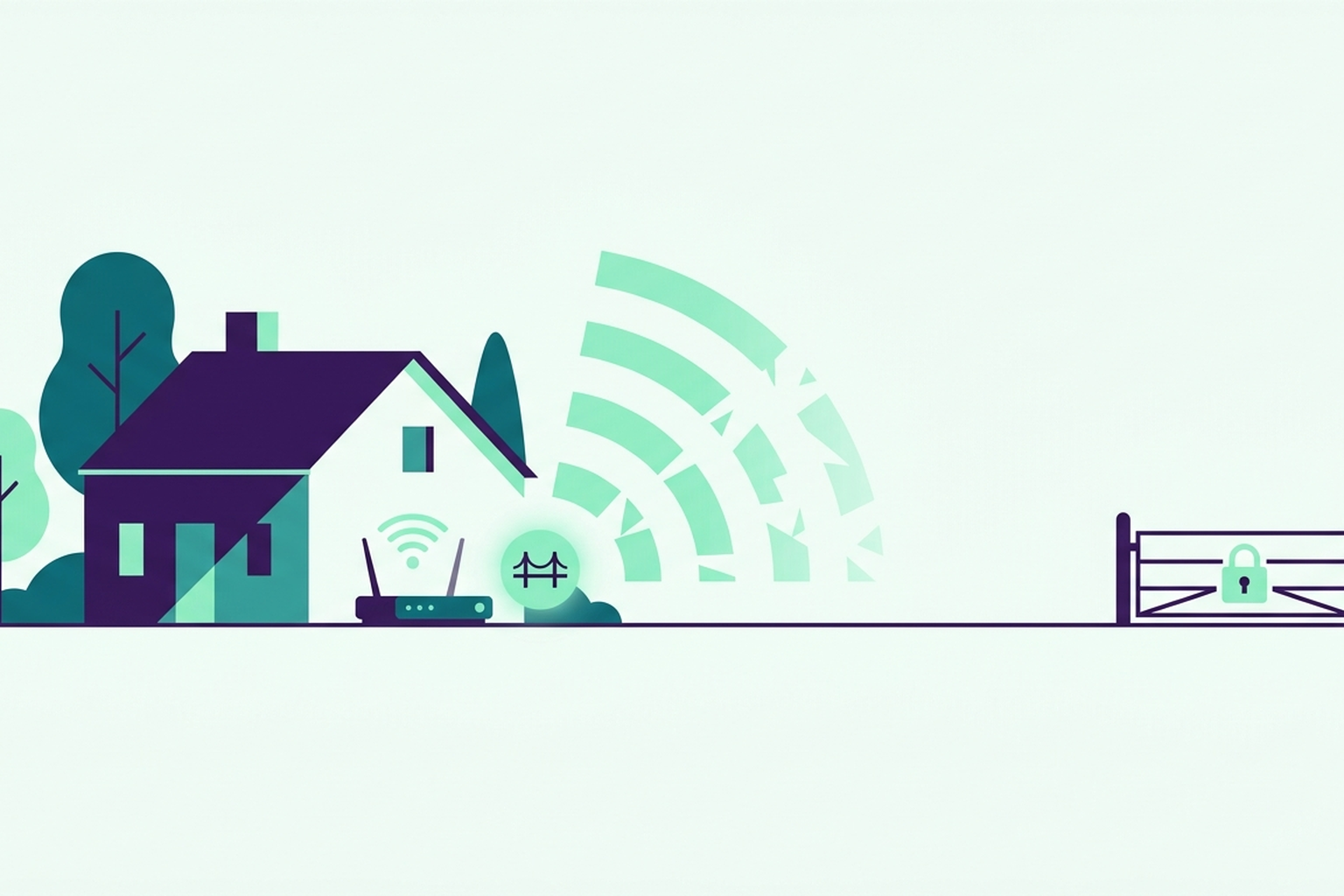
When the network fails, you need an active bridge. A lock at the end of a corridor, a gate by the roadside, or Wi-Fi that only reaches halfway: it is a common scenario where you have compatible devices, but the connection just isn't there. Without a bridge, you might be able to generate a code, but you will struggle to revoke it.
When the signal drops
Some compatible devices communicate via a bridge, a small unit inside the property that acts as a gateway between them and your network. On Roraima, that bridge must be kept powered on and connected. It is essential for making changes, such as creating a new code, deleting an old one, or unlocking a door remotely. A code that has already been synced to a keypad lock will still work even if the internet connection drops temporarily.
The property down the lane
Imagine a cottage a mile or so out of town, with a temperamental ADSL connection and a lock on the garden gate. During the first winter, PINs were generated and guests could get in, but at the end of their stay, the code remained active for an extra day because the bridge had gone offline and the revocation command never reached the lock. It wasn't the lock's fault. It was the network.
They moved the bridge closer to the router and plugged it into a socket that isn't controlled by the outdoor lighting circuit. Since then, the code expires exactly when the stay ends. If the bridge goes offline, the dashboard alerts you. You won't find out about it from the next guest who manages to get in using an old code.
What to check
Make sure the bridge is powered on, plugged into a reliable socket, and within range of your network. This isn't just technical fussiness, it is the difference between an access code that works and one that fails to expire on time. Before you install anything, verify that the model is among the compatible devices and that you have the correct bridge for that specific hardware family.
If you want to see how the dashboard notifies you when a bridge goes offline, take a look at Roraima.
My account
Become a seller
Roraima
Customer Service
About us
© 2026 Roraima — Dario Salaris