
Sync your Airbnb and Booking.com calendars
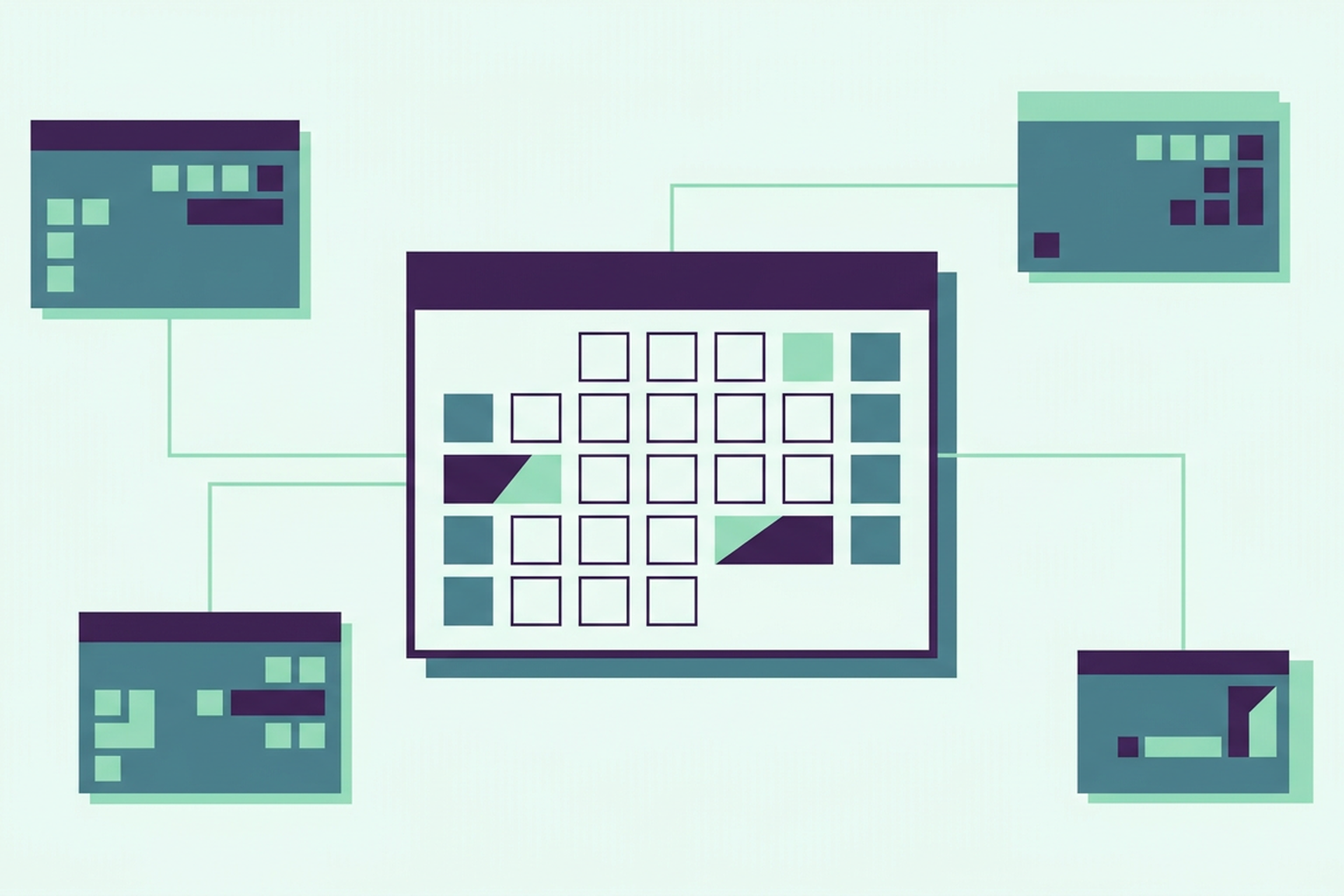
Just one calendar, yet dates seem to get booked everywhere at once. Listing the same room on three different websites is the standard approach, not the exception, and every new booking turns into a race to block those dates elsewhere. It only takes one delay to find yourself with two families expecting the same bed.
Why double bookings happen
If you list your property on multiple channels, you have a good reason: every site brings in a different type of guest, and an empty house earns nothing. The trade-off is that every site has its own calendar, and none of them know what is happening on the others. A night sold on Airbnb remains available on Booking, simply because Booking doesn't know, and a night sold on Booking keeps appearing on your own property website.
As long as bookings are few and far between, you can manage it manually. A confirmation arrives, you open the other calendars, and you block the dates. This works fine until the day two guests book within minutes of each other, or until you are simply too tired one evening and a calendar gets left behind. At that point, you have to cancel one of the two, resulting in a negative review, a penalty from the portal, and a guest who suddenly has to find somewhere else to stay during peak season.
August in Otranto
A two-bedroom house, peak season, three channels active. The owner used to update her calendars every evening after dinner, phone resting on the table. One night in July, she blocked one channel but forgot the other. The next morning, she had two confirmations for the 12th of August. She had to cancel the second one, lost her rating, and spent the entire weekend apologising. It wasn't a lack of organisation, it was a task that no one should have to do manually, every single night, all summer long.
The universal format: iCal
Almost all short-term rental portals speak a common language for calendars, known as the iCal format. Every calendar has a unique address, a string of text that starts with "https" and usually ends with ".ics", which anyone with access can read to see which dates are taken. Connecting two calendars means giving each one the address of the other: Airbnb reads the booked dates on Roraima, and Roraima reads the dates booked on Airbnb.
This exchange only involves the dates. The format does not carry over prices or guest names, because it simply states that a night is taken. This is exactly what makes it simple and widely used, and it is all you need to prevent double bookings.
How to connect on Roraima
On Roraima, there is one calendar per accommodation, and that is what dictates what can be sold. In your dashboard, on the property page, you will find the iCal calendar section. For each accommodation, you will see two things: the address to export to the portals, which you copy, and the list of calendars to import, where you add the address of each portal.
On Airbnb, the export address is found in the calendar settings for your listing, under the option to link or sync calendars, and you paste the Roraima address in that same spot. On Booking, you will find it in your property's extranet, under the rates and availability section, in the calendar sync menu. Other portals have a similar option, almost always labelled with the words "import" and "export".
You can connect up to ten external calendars for each accommodation. A house sold on Airbnb, Booking, and a local portal uses three, leaving plenty of room for any channels you might add later. Each booking imported from another channel uses 1 credit, out of the 500 provided by the free plan every month.
What travels and in which direction
Roraima checks the connected calendars every fifteen minutes. Nights booked on another portal are blocked here, and they can no longer be sold either from your website or your property page. Similarly, the calendar exported from Roraima communicates to the other portals any bookings made here, as well as those you enter manually in the dashboard, without any guest names or personal data.
Bookings imported from one portal are not forwarded to the others through Roraima. Therefore, every portal must be connected directly to Roraima, not in a chain, so that an Airbnb booking does not bounce between calendars and reappear as if it were a new one.
It is also worth knowing how the others behave. Each portal reads the Roraima calendar at its own pace, which can sometimes take a few hours. During the busiest weeks, if you want extra peace of mind, you can manually block the most sought-after dates on all channels as soon as you sell them, leaving the calendar to handle the rest.
Two people at the same time
The trickiest scenario isn't forgetting to update a calendar, but two guests paying for the same nights at the exact same time, both on Roraima. Here, there is a double check. Availability is verified when the guest confirms the order and again when the booking is registered, and if two payments arrive simultaneously, only one goes through. The other is stopped before it can become a booking, rather than creating a double entry.
The dates remain held while the guest completes the payment. If they abandon the process halfway through, those nights automatically become free again after six hours, without you having to do a thing.
Prices, seasons, and manual bookings
The calendar is more than just a list of free nights. For the same accommodation, you can set the base price, seasons with their specific rates, and the minimum stay, and you can sell dates up to a year in advance. A booking received over the phone, or from a returning guest, can be entered from the dashboard as an external booking. From that moment on, it occupies the dates just like any other and is communicated to the connected portals. The dashboard also checks that those nights are free, and if they are already taken, it will tell you instead of registering the booking.
When you need to stop everything, for maintenance or a break, you can suspend the sale of a house without deactivating it, as explained in the article Suspending the sale of a holiday home without deactivating it. And if a guest asks to change their stay, the modification is handled through the same calendar: Changing booking dates: you are in control.
The house in Otranto, today
That same house now has three calendars connected to Roraima. In the evening, the owner no longer opens the portals one by one: nights sold on one site are blocked on the others, and those booked on her own page reach the portals without her having to copy anything. On the 12th of August, if it is taken, it is taken everywhere. During the two peak weeks in August, just to be safe, she still manually blocks nights as soon as they are sold, and that is the only work she has left to do.
If you are wondering whether the iCal calendar is enough for you or if you need a more complex system that also manages prices and messaging across all channels, you can find a comparison in the article iCal or channel manager: what does a small B&B need.
Frequently asked questions
How do I sync my Airbnb calendar with Booking?
By connecting both to the same central calendar using the iCal format. On Roraima, you import the calendar address from each portal and provide each portal with the Roraima calendar address.
How often does the calendar update?
Roraima checks connected calendars every fifteen minutes. Other portals read the Roraima calendar at their own intervals, which can take up to a few hours.
Does iCal synchronisation also transfer prices?
No. The iCal format only exchanges booked dates. Prices, seasons, and minimum stay requirements must be set on each channel individually.
How many calendars can I connect to one accommodation?
Up to ten external calendars per accommodation.
Can I add bookings taken over the phone?
Yes. You can enter an external booking from the dashboard, which will block the dates and communicate them to the connected portals.
What happens if two guests book the same nights at the same time?
On Roraima, availability is checked twice: at the order stage and at the registration of the booking. Only one of the two will go through. The other is stopped before it becomes a booking.
To see how to connect a calendar, you can open a free showcase on Roraima and try it out with the address of a listing you have already published.