
TTLock smart lock for short-term rentals: a code per guest
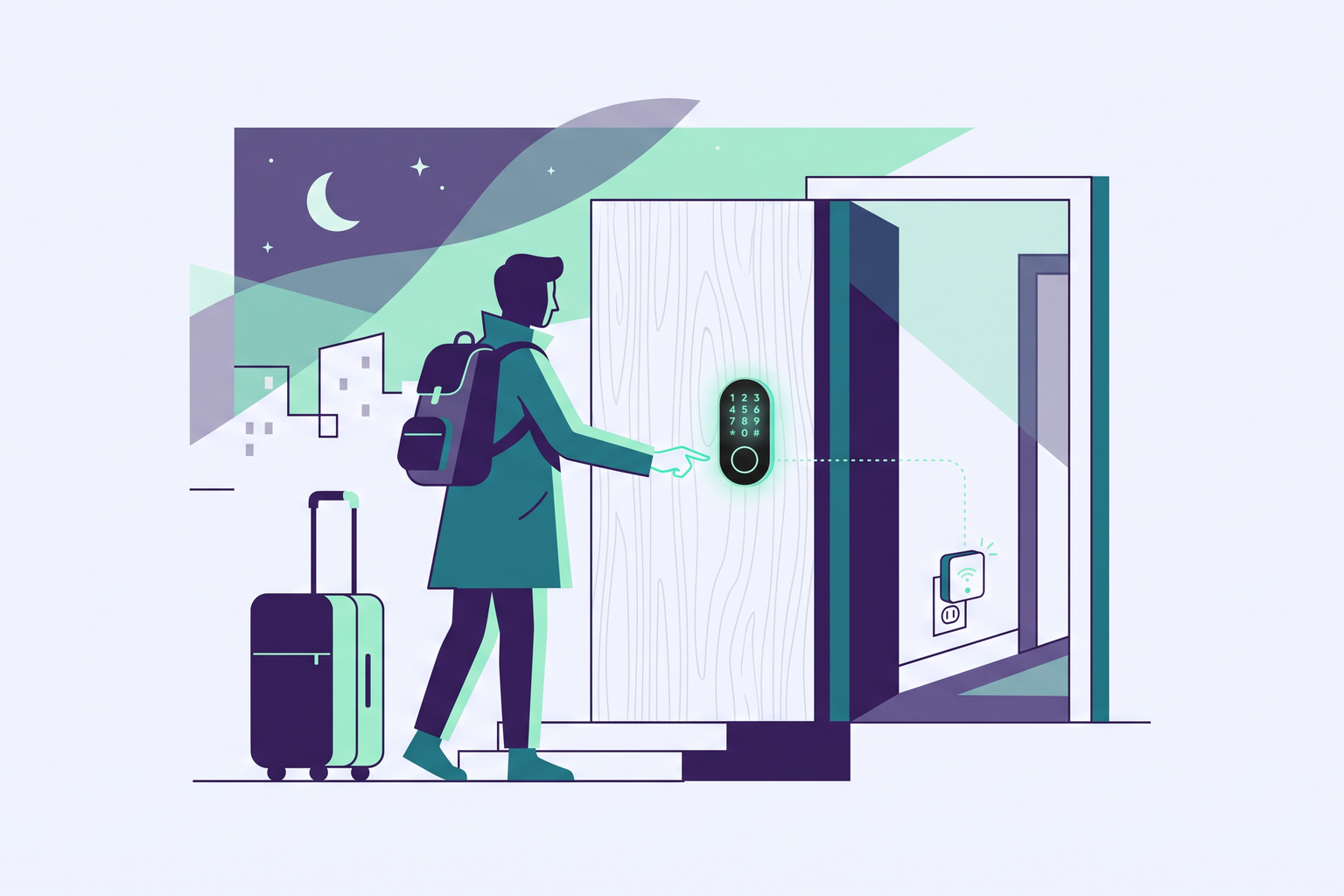
With a TTLock lock and Roraima, every guest receives a unique code, valid only for the dates of their stay. This guide explains what you need, how to connect everything, and what happens from the moment a booking is made until the guest departs.
Why hosts prefer TTLock
TTLock is a platform used by many lock manufacturers. The same system, and the same mobile app, control door locks, motorised cylinders, mortise locks with integrated handles, key safes, and padlocks. For those managing one or more holiday rentals, this means you can choose the most suitable model for every door without changing the way you work. All models can be opened with a numeric code, and many also accept fingerprints or key cards, which are useful for cleaning staff or the owner.
There is also a less obvious advantage. The code for a TTLock is calculated by the manufacturer and the lock recognises it independently, even when it is not connected to the internet at that moment. You can therefore prepare a guest's code in advance, while the lock remains on the door, wire-free and offline.
What you need to get started
At a minimum, you need a TTLock lock from our supported devices, already installed and configured via the TTLock app on your phone, along with a TTLock account, which is the same one you use to log into the app. In the Roraima catalogue, under the TTLock category, you will find fingerprint locks for residential doors, motorised cylinders to make existing locks smart, mortise locks, key safes, and outdoor padlocks.
The second component, which is highly recommended, is the G2 gateway. This is a small device that plugs into a socket near the door and connects the lock, which communicates via Bluetooth, to your home WiFi network. Without a gateway, the lock will still recognise guest codes; with the gateway active, Roraima can also reach it remotely to extend a code, replace it if dates change, or revoke it before it expires. If the door is far from your router, it is worth reading our guide on what to do when the lock is too far from the WiFi.
Connecting to Roraima
The connection is a one-time setup, managed from your vendor dashboard. On the Cloud Account page, select TTLock and enter your TTLock app username, i.e., the email or phone number you use to log in, and your password. Roraima only stores the encrypted authorisation issued by TTLock, and from that point on, it can manage the locks associated with that account.
Immediately afterwards, the "Show available locks" button lists the locks in your account and allows you to import them. The final step is to assign each lock to the correct property: in the booking listing settings, you can add the lock to the list of connected devices. A property with both a main gate and a front door can have two locks on the same listing, and the guest will receive a code for each.
From booking to departure
When a booking arrives, Roraima requests a temporary code from TTLock for that lock, valid from the check-in time to the check-out time specified in your listing. TTLock sets the validity from the start of the hour: a guest expected at 15:30 will find their code active from 15:00. The guest sees this code on their stay page, along with other arrival information, so there is no need to send it manually. The way time-limited codes work is explained in more detail in our article on locks with temporary codes for short-term rentals.
If a stay is extended, the existing code is updated to the new departure date, and the guest continues to use the same one. If the dates change entirely, Roraima generates a new code and revokes the old one in the correct order: it creates the new one first, then removes the previous one, ensuring the door is never without a valid code. These two operations are handled via the gateway, which is why it is best to keep it powered on at all times.
At the end of the stay, the code stops working automatically because its validity expires at the check-out time. With the gateway active, Roraima also removes it from the lock's memory, preventing it from becoming cluttered with expired codes. If a deletion does not succeed immediately, the system will automatically retry over the following hours. A booking cancelled before arrival follows the same process: the code is revoked and will no longer open the door.
Key safes for those who prefer keys
Not all doors are suitable for a smart lock. In apartment buildings with strict rules, or when it is better not to touch the existing lock, the simplest solution is a TTLock key safe mounted near the entrance. The keys remain inside the safe, and the safe opens with the code Roraima creates for each booking, exactly like a lock. For the guest, little changes: they view the code on their page, open the safe, and take the keys. For the host, it makes a big difference, as no one needs to wait around for the guest to hand over keys.
Installation and choosing a model
The motorised cylinder and key safe are easy to install; the door lock and mortise lock require more precision, as they must be adapted to the thickness and type of door. Before purchasing, it is worth checking the measurements and compatibility with your door on each product page. If you would rather not handle this yourself, you can find local professionals in the Installation category who can mount the lock, configure it with the TTLock app, and position the gateway where the signal is strongest.
Once installed, the lock runs on batteries that last for months. When they run low, the TTLock app will notify you in advance, and it is a good idea to keep a spare pair in the house, in the drawer where your cleaning staff knows to find them.
Getting started
Connecting a TTLock takes just a few minutes: set up the account on the Cloud Account page, import your locks, and link them to your listing. From then on, every booking comes with its own code, with no messages to write and no keys to hand over. You can find the locks, the G2 gateway, and accessories in the TTLock category of our catalogue.
Frequently asked questions
Is the G2 gateway strictly necessary?
To let the guest in, no: the lock recognises the code even without a network connection, and the code stops working automatically at the end of the stay. The gateway is necessary for Roraima to reach the lock remotely, to extend a code, replace it when dates change, or remove it from the lock's memory. For a property rented out continuously, it is the recommended choice.
Does the guest need to download the TTLock app?
No. The guest only uses the code, which they find on their stay page on Roraima, and enters it on the lock or key safe keypad.
What happens if the guest arrives before the scheduled time?
The code is valid from the arrival time indicated in the listing, starting from the top of the hour. Therefore, the time set in your listing determines when the guest can enter, so it is best to set it with a little buffer.
Can I use multiple locks for the same property?
Yes. In the listing settings, you can link as many locks as you need, for example, the main gate and the front door, and the guest will receive a code for each.
Are my TTLock credentials safe?
Roraima uses your username and password only to obtain authorisation from TTLock to manage the locks in your account, and it stores that authorisation in an encrypted format. The connection can be disconnected at any time from the Cloud Account page.