
Shelly for short-term rentals: gate, lights, water heater
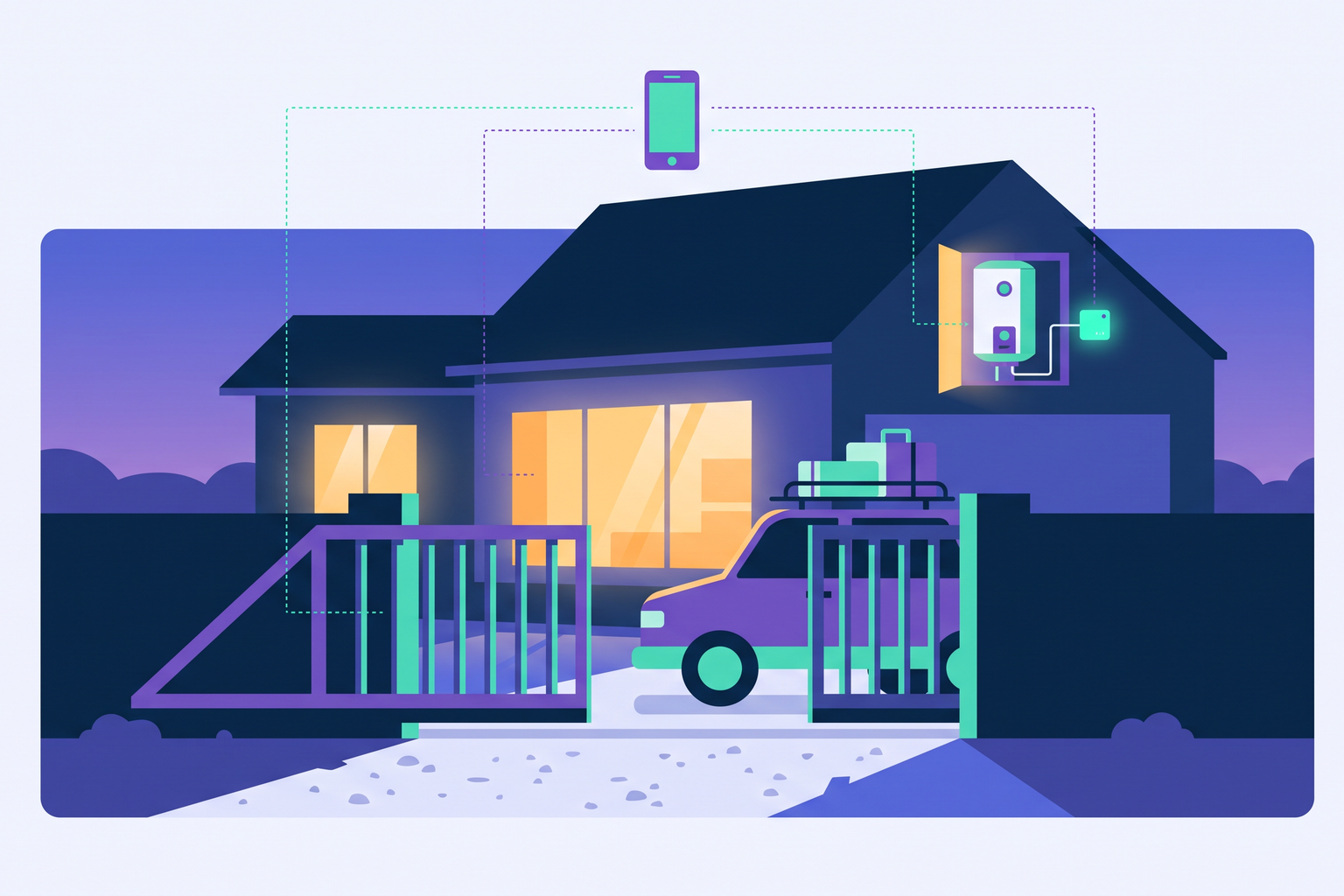
With Shelly devices and Roraima, your property can prepare itself for a guest's arrival and power down once they have checked out. This guide explains what you can control, what you need, and how to get everything connected.
Small modules for your existing system
Shelly produces electrical modules little bigger than a coin, which tuck away behind a light switch, inside a junction box, or directly within your consumer unit. Your existing faceplates remain unchanged, so guests use the property as they normally would, while you gain remote control over lights, water heaters, pumps, and gates. Alongside the relays, you will find smart plugs, dimmers, roller shutter controllers, light bulbs, and sensors, all listed in the Shelly section of our catalogue.
For hosts, the benefits are tangible. A property that switches on the lights upon arrival and turns off the water heater after departure consumes less energy, provides a better welcome, and removes the need for someone to pop by just to check what has been left running.
What you can achieve with arrival and departure scenarios
The core of the system lies in two scenarios, which you set up within the settings of each bookable listing. The arrival scenario triggers at the check-in time for that booking, while the departure scenario kicks in shortly after the check-out time, once any grace period for late departures has passed. Each is simply a list of actions for the compatible devices linked to that property: switch on this light, turn off that plug, or raise the living room shutters. They run automatically for every booking, without you needing to manually register an arrival.
The water heater is the most obvious example. By installing a Shelly relay on its power supply, the arrival scenario switches it on when the guest arrives, and the departure scenario turns it off once they leave, ensuring you aren't paying to heat water in an empty house for days on end. The same logic applies to heat pumps, electric bathroom heaters, or garden lighting. With lights, the results are immediate: guests arriving in the evening find the entrance illuminated, and your cleaning team won't find lights left burning for hours the following day.
For spaces booked by the hour, such as a meeting room or specific equipment, the mechanism is identical: the arrival scenario starts at the beginning of the booked slot and the departure scenario at the end. If there are multiple consecutive bookings, the departure scenario only triggers after the final one.
Three properties, three ways to use them
In a city studio apartment, rented out almost all year round, the typical setup is the simplest. A smart plug on the hallway lamp and a relay on the water heater are all you need: upon arrival, the lamp switches on and the water begins to heat up. Once the guest leaves, everything shuts down, ensuring the cleaning team finds the property exactly as it should be.
In a country house with a garden, the scope extends outdoors. The arrival scenario lights up the driveway and opens the living room shutters, while the departure scenario shuts off the well pump and external lights, which might otherwise stay on for nights on end until the next guest arrives. This is where you really see the savings on your utility bills, as isolated properties are often where things get left running unnoticed.
In a mountain apartment, where arrivals often happen in the evening during winter, the value lies in the heating. A relay on a heated towel rail or an electric heater, controlled by the arrival scenario, ensures the guest finds a warm room waiting for them, while the departure scenario prevents the heating from running in an empty home. For those who prefer to regulate the temperature room by room, you will also find Shelly thermostatic valves in our catalogue.
The gate
An automatic gate deserves a special mention because there is no need to replace anything: the motor is already there, and a Shelly relay wired to the opening button is enough to make it controllable. This allows guests to open the gate from their phone during their stay. How to do this, and what to ask your electrician, is explained in our article on opening the gate from your phone with a relay on the button.
Front door locks, however, follow a different path better suited to their purpose, using a unique code for each guest. Our dedicated guides for TTLock, Nuki, and Tedee explain how these work.
What you need to get started
You will need a compatible Shelly device, already installed and configured via the Shelly app on your phone, along with a Shelly account. For relays chosen for water heaters or high-load appliances, it is best to have your electrician specify the correct model and, if necessary, install a contactor: each product page details the power load the relay can handle. Flush-mounted relays, mini relays, and DIN rail modules can be found in the Relays and switches category, and you can find local professionals in our Installation section.
Shelly devices require a stable WiFi network where they are installed. If your consumer unit or gate is far from the router, it is worth checking the signal strength before installation, or reading our guide on what to do when devices are too far from your WiFi.
How to connect to Roraima
The easiest way is via the Shelly cloud. In the Shelly app, under Settings and Cloud Authorization, you will find two pieces of information: the server address (e.g., https://shelly-27-eu.shelly.cloud) and the authorization key. In your vendor panel, on the Cloud Account page, select Shelly and paste both in. Roraima stores this key in an encrypted format.
Next, from the devices page, add the Shelly modules you need, each with its own name, and link them to the property within the listing settings under linked devices. At that point, in the same tab, you can select your arrival and departure scenarios. You can create a scenario once and use it across multiple properties if the actions are the same.
Getting started
A simple first step is to install a relay on your water heater or entrance light, with an arrival scenario to switch it on and a departure scenario to switch it off. It works from the very first booking, and you will immediately see how much manual work it saves you. You can find the Shelly devices for sale in the Shelly section of our catalogue.
Frequently asked questions
Do the scenarios run even if the guest does not show up?
Yes. The scenarios follow the booking times, not the guest's actual presence: the arrival scenario triggers at the check-in time and the departure scenario after check-out, even if no one registers the arrival.
Do I need to change my home light switches?
No. Shelly relays are installed behind existing switches or within the consumer unit, so guests continue to use your original faceplates.
Can I use the same scenario for multiple properties?
Yes, provided the actions are the same. Each listing allows you to select its own arrival and departure scenario, and any property with unique requirements can have its own bespoke setup.
Where can I find the Shelly authorization key?
In the Shelly app, go to Settings and then Cloud Authorization. On that same screen, you will also find the server address to copy alongside the key.
Do I need an electrician?
For smart plugs and light bulbs, no. For flush-mounted relays and those in the consumer unit, yes, because you are working on the electrical system. You can find local professionals in the Installation category.
What happens if the home WiFi goes down?
The scenario will trigger at the scheduled time, but the command will only reach the device if it is connected to the network. For this reason, it is best to install modules where the signal is strong and keep your router powered on even when the house is empty, ensuring the arrival scenario finds everything ready for the next guest.