
Smart lock with temporary codes for short-term rentals
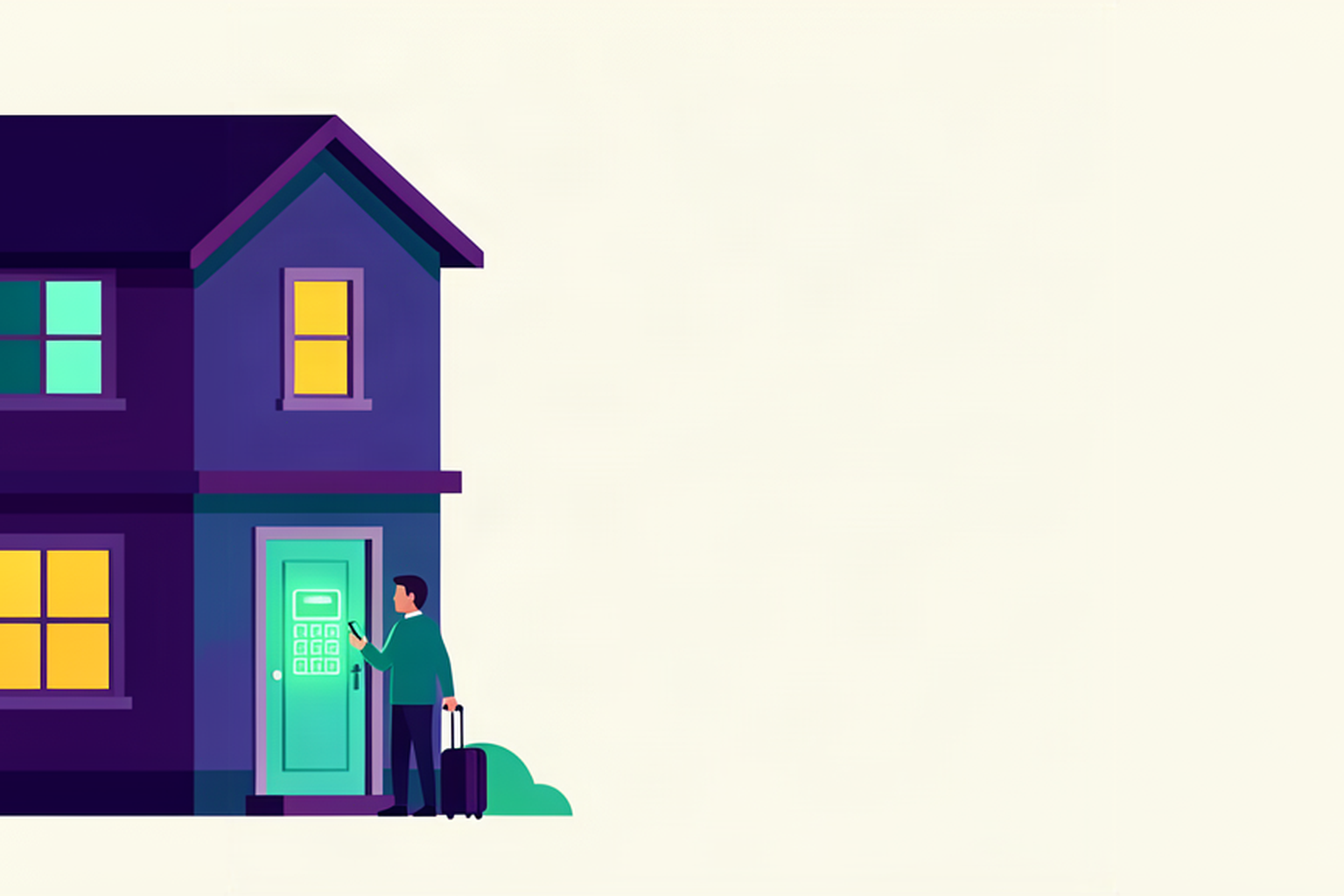
Your guest is arriving at eleven. The code is already set. If you manage a property and live elsewhere, you know that phone call all too well: the train is delayed, the gate is locked, and someone needs to dash over to let them in. It is not really a matter of hospitality, but a logistical headache.
The code under the flowerpot
The first solution that springs to mind is a key safe with a fixed code, or a keypad lock that always uses the same number. It is cheap and works for a while. The trouble is that the number never expires. It ends up in a forwarded message, a family group chat, or a screenshot on a friend's phone, and from that moment on, anyone who has seen it can walk through your door, even months after their stay.
Changing it manually after every guest only solves the problem in theory. You have to remember to do it, be on-site or connected to the lock's app, dream up a new number, and pass it on to the next guest at just the right moment, neither too early nor too late. When you are managing two or three properties with changeovers on the same day, it is a task that is bound to slip through the cracks eventually.
That seaside property
There is a two-storey house in a coastal town, and the owner works in the city, forty minutes away. Guests often arrive after dinner, using the place as a stopover for a single night before moving on. For two summers, the code stayed under the flowerpot, always the same.
One guest forwarded the instructions to their son, who was arriving later. The son turned up the following week without a booking, and the code was still active. The lock was not to blame: it was the fact that the number never expired.
A unique code for every stay
On Roraima, every confirmed booking gets its own time-sensitive code. It is generated from the booking details, remains valid only for the days and hours of the stay, and automatically stops working at checkout. The code used by yesterday's guest will not open the door for today's, and nobody has to remember to change it.
The code is programmed directly into the lock, along with the start and end times. From that point on, the lock itself knows when to accept it and when to reject it. If the connection drops when the guest arrives, the code still works because it is already stored inside. This works with keypad locks among the supported devices, connected to Roraima via their bridge, the small device that puts them online. The bridge must be powered on when the code is being written or deleted, and if your lock is far from the router, it is worth reading Smart lock far from the Wi-Fi: do you need a bridge?.
How to connect specific brands is explained in our guides TTLock for short-term rentals: codes for every guestNuki for short-term rentals: keypad codes for every guest and Tedee for short-term rentals: codes for every guest.
When the code becomes active
There is a distinction that might seem like a minor detail but actually matters a great deal: a code can exist before it is actually allowed to open anything. Roraima writes it to the lock a few hours in advance, as locks can be slow to respond or the signal might drop that afternoon. If the first attempt fails, the system retries every five minutes, and you can see in the dashboard whether the code is ready, still pending, or if something went wrong.
Until the scheduled time, however, that number will not open anything. It usually becomes valid one hour before the arrival time. You can tighten this to the exact time or extend it up to four hours, in thirty-minute increments, and you decide this property by property. A house with tricky parking might need more leeway, while a studio flat in the city centre can keep it tighter.
The practical result is that guests arriving at two in the morning can get in regardless. Access depends on the dates and times of the stay, not on someone being awake to give the green light.
How the guest receives it
With their booking confirmation, the guest receives an email with a link to their personal page. They do not need to install any apps. When the access window opens, they receive another email with the full code and the name of the door it opens.
The guest also finds the full code on their page once the access window opens. If they access the page from a phone or computer they have not used before, they are asked for email verification before it is shown. On the same page, they will also find directions and, if you have set them up, check-in instructions, as described in the article Guest check-in instructions on their page.
At the end of the stay
The code expires at the checkout time for the property, in the local time zone. You do not need to do anything. Upon departure, cancellation, or if the guest is a no-show, the code is automatically removed from the lock. If a guest asks to stay an extra day and you accept the booking change, the code updates to the new dates, as explained in the article Changing booking dates: you are in control.
If you need to change the code early, perhaps because the guest shared it with too many people or something feels off, you can replace it from the dashboard. A new one is generated and the old one is revoked. The departure can also trigger a shutdown procedure, such as turning off lights and the water heater, as described in Turning off lights and water heaters when guests depart.
The code and guest registration
Opening the door and registering the guest's arrival are two separate things. The code grants access based on the stay times, but registering the arrival remains the host's responsibility, as that is the moment when legal obligations towards the Italian authorities begin. We explain this on our Self check-in page and in the article Self check-in and guest arrival registration.
The seaside property, today
Now every stay has its own unique number, visible only to the person who booked. The owner checks their phone the night before to ensure the code is ready, and the next day they do not have to lift a finger. Guests arrive at ten, at midnight, or at dawn, and they get in. The son who arrives the following week without a booking finds a door that no longer recognises that number.
Frequently asked questions
How does a time-sensitive lock work?
The code is written into the lock with a start and end time. The lock only accepts it within that window and rejects it before and after, even without an internet connection.
When does the guest receive the code?
They see it on their page when the access window opens, usually one hour before the arrival time. The margin can be adjusted from zero to four hours for each property.
Does the code work if the internet is down?
Yes, once it has been written to the lock. The lock's bridge must be powered on when the code is written and when it is deleted.
What happens to the code after departure?
It stops working at the checkout time and is automatically removed from the lock, even in the event of a cancellation or a no-show.
Can the code be changed during the stay?
Yes. You can replace the code from the dashboard: a new one is generated and the old one is revoked.
Does the code also arrive by email?
Yes. When the access window opens, the guest receives an email with the full code and the name of the door, and the same code is on their personal page.
To see how a guest receives their code, you can open a free account on Roraima and test it on a property with a supported lock.